PRODUCT FEATURES

Explore every ConfirmQ feature in action

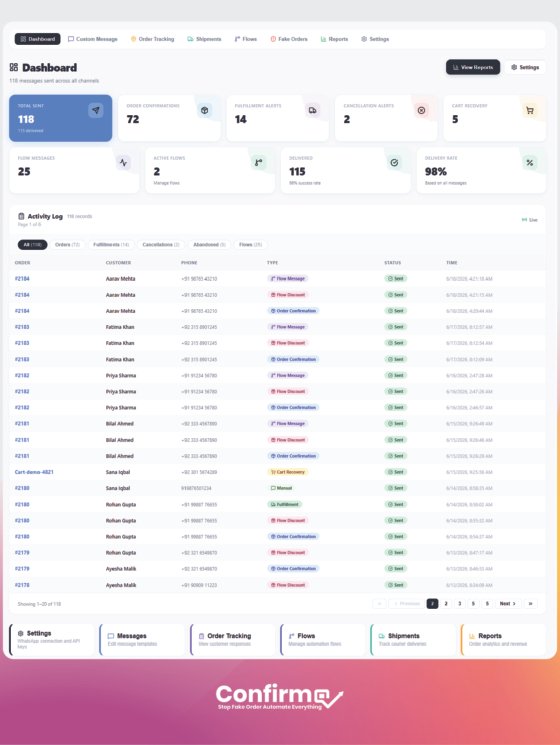
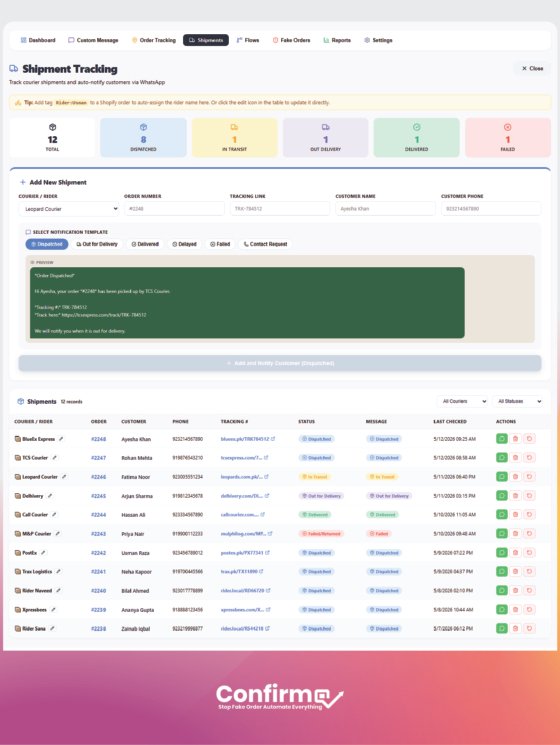
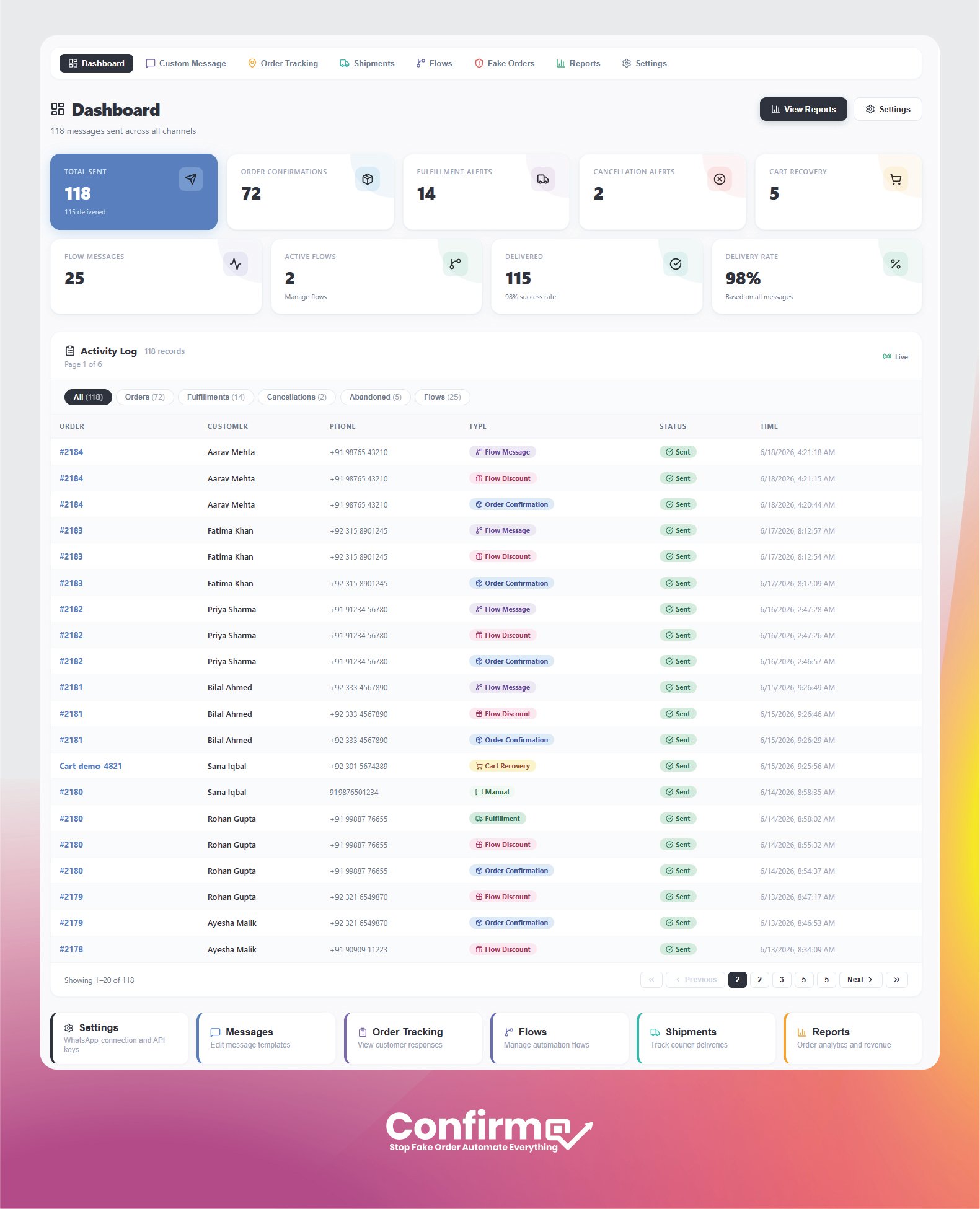
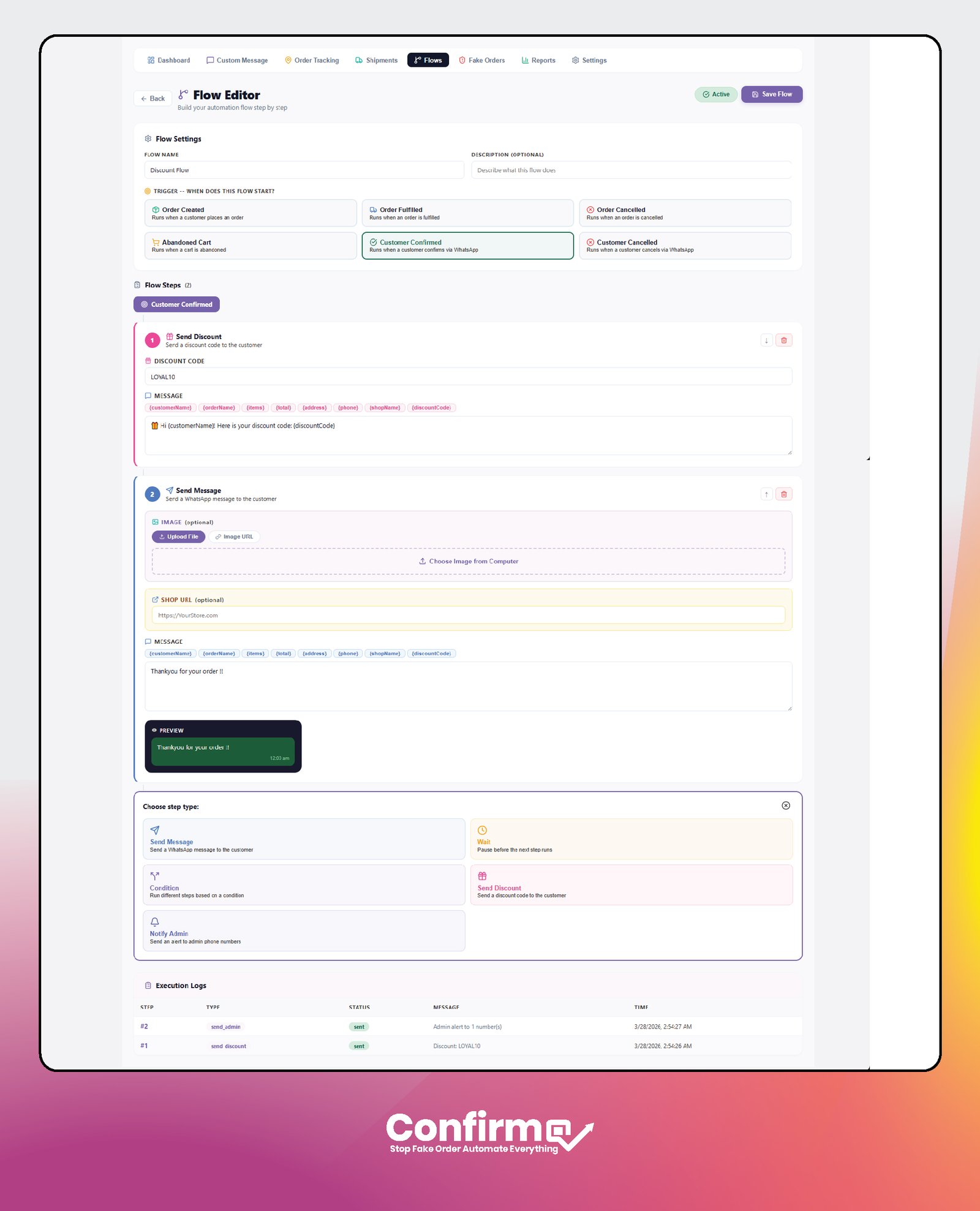
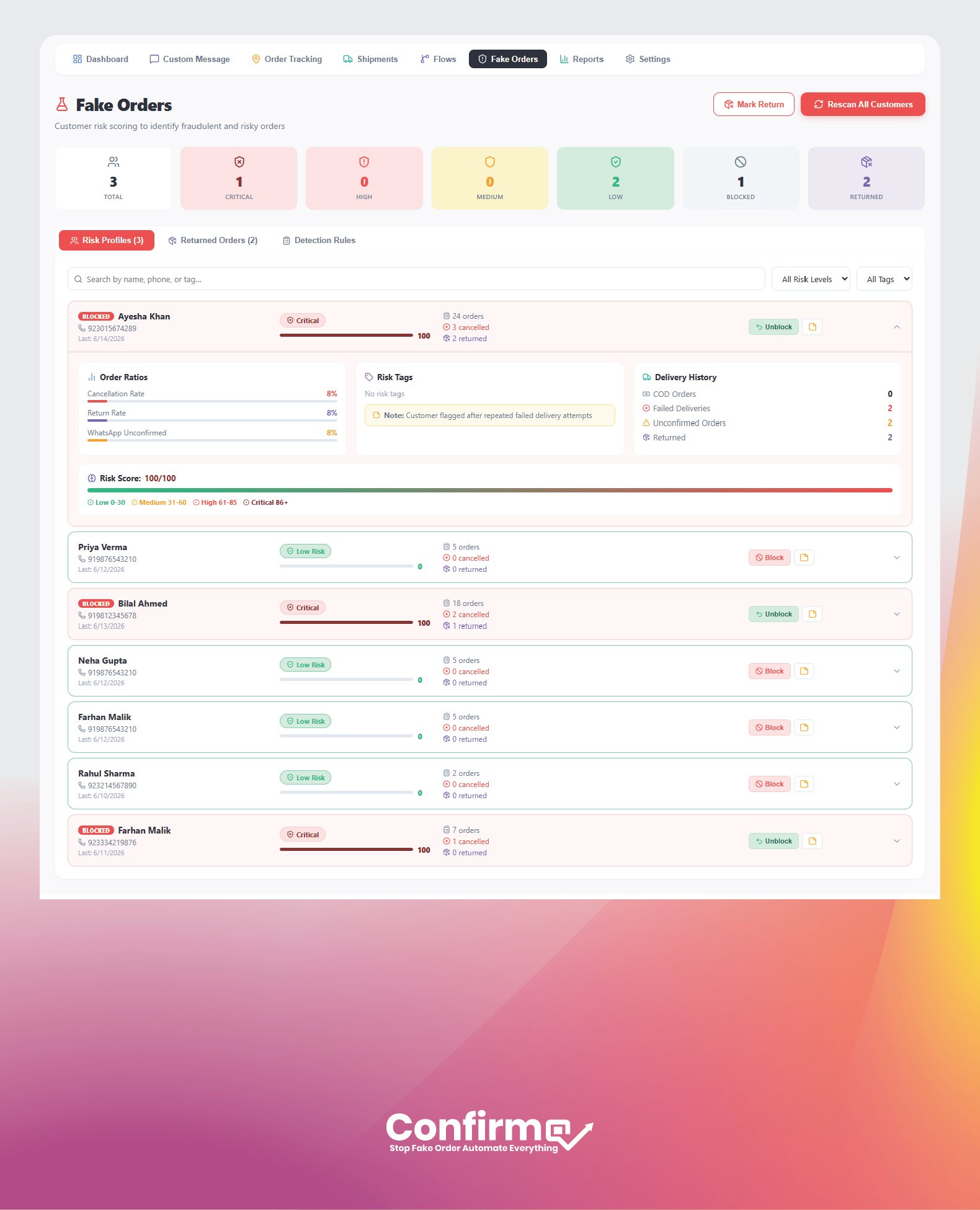
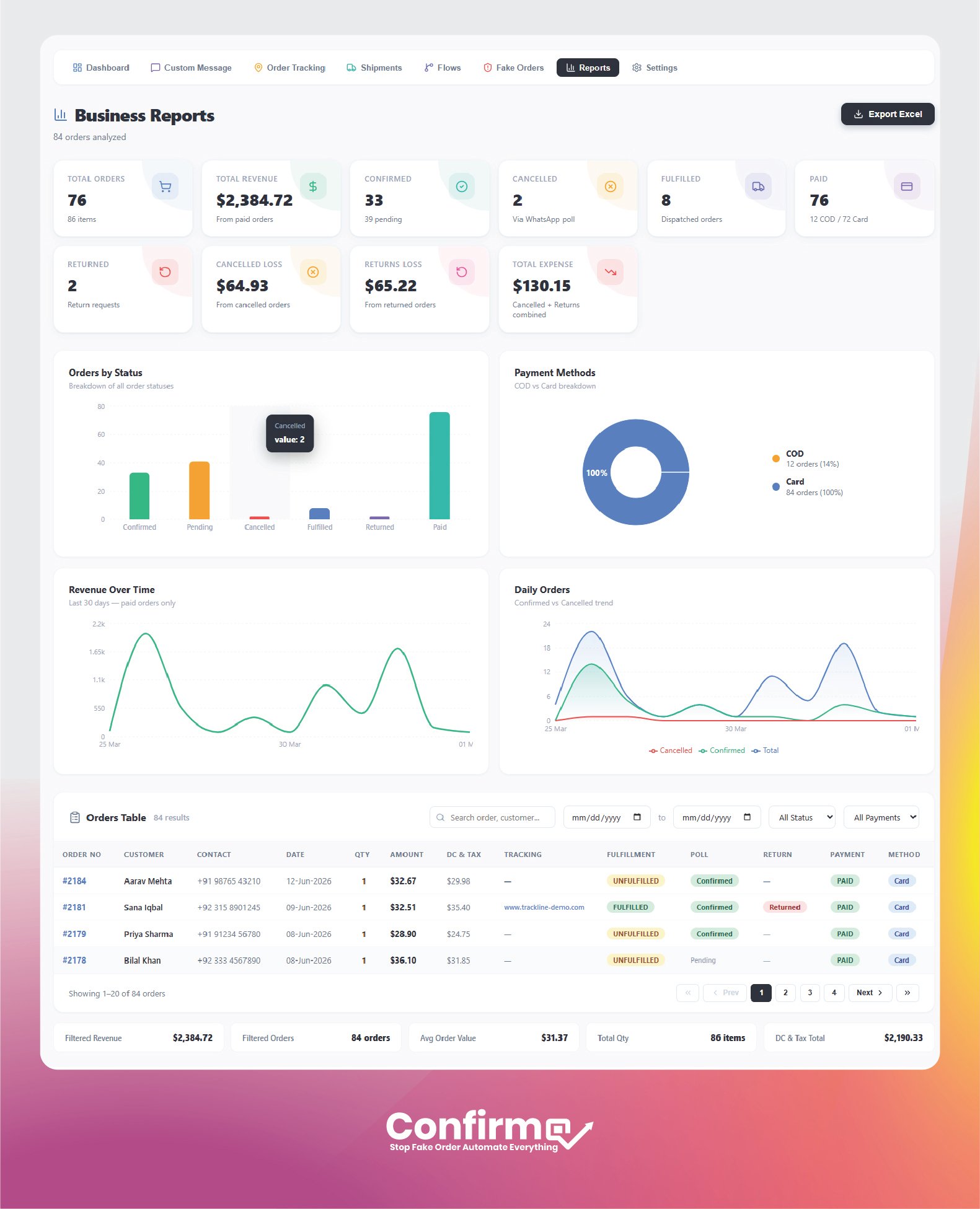
From order confirmation to shipment tracking, fake order detection, and reporting, ConfirmQ gives Shopify merchants the tools to manage every key workflow from one place.

FAQ

Frequently Asked Questions

Everything you need to know about ConfirmQ features - order confirmation, fake order detection, message customization, shipments, and setup.

ConfirmQ connects WhatsApp to your Shopify store and automates order communication - confirming orders before dispatch, recovering abandoned carts, sending shipment updates, flagging risky orders, and reporting on the results.

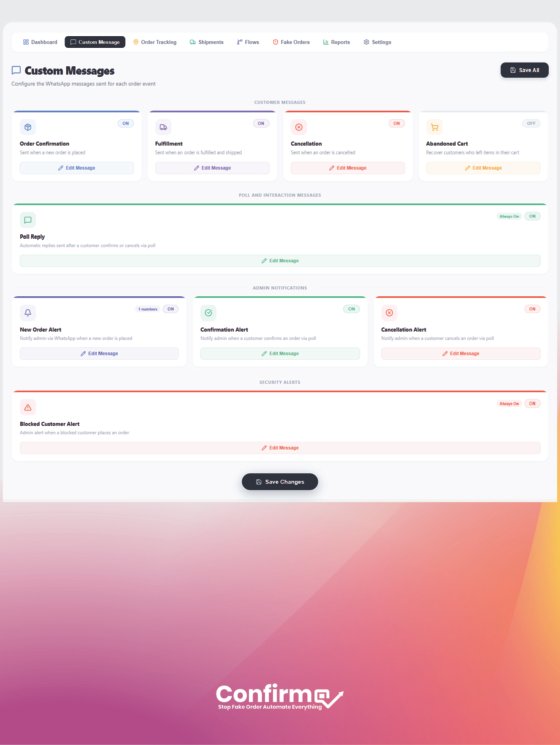
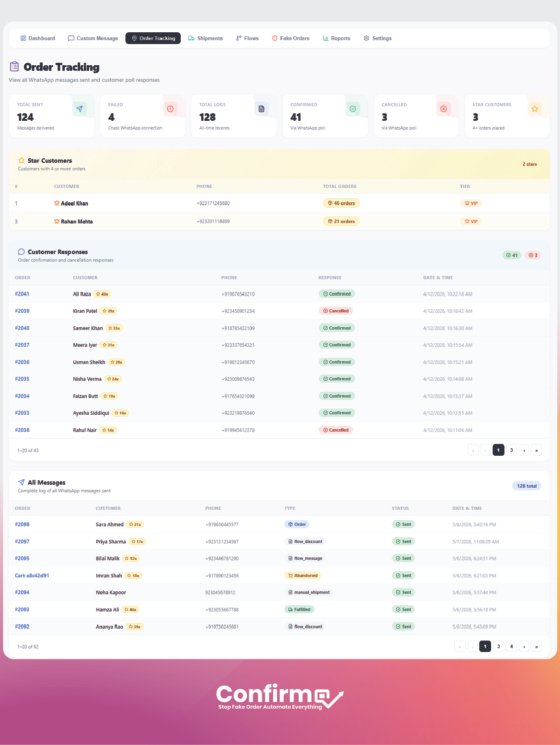
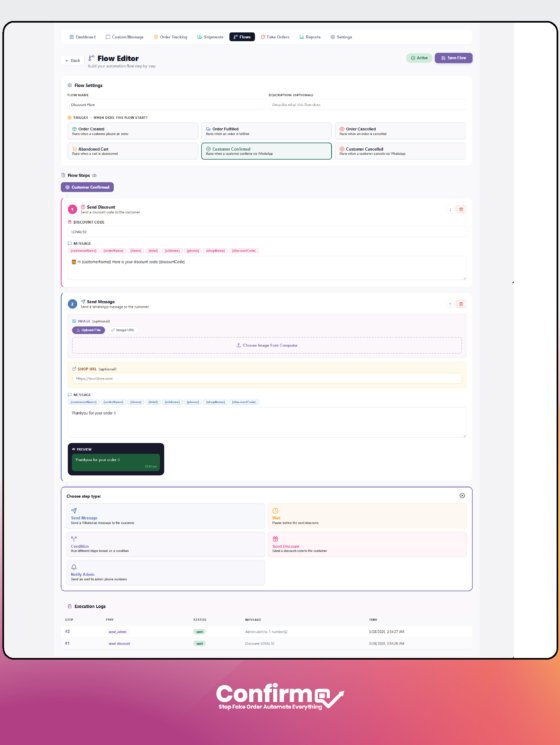
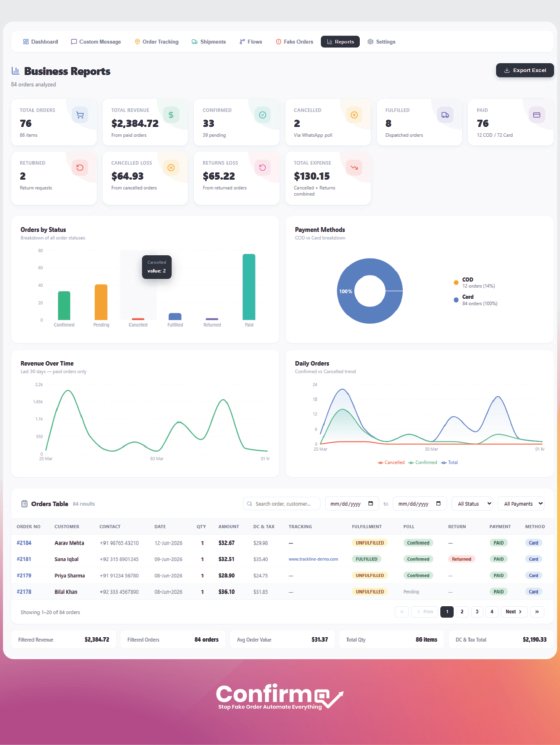
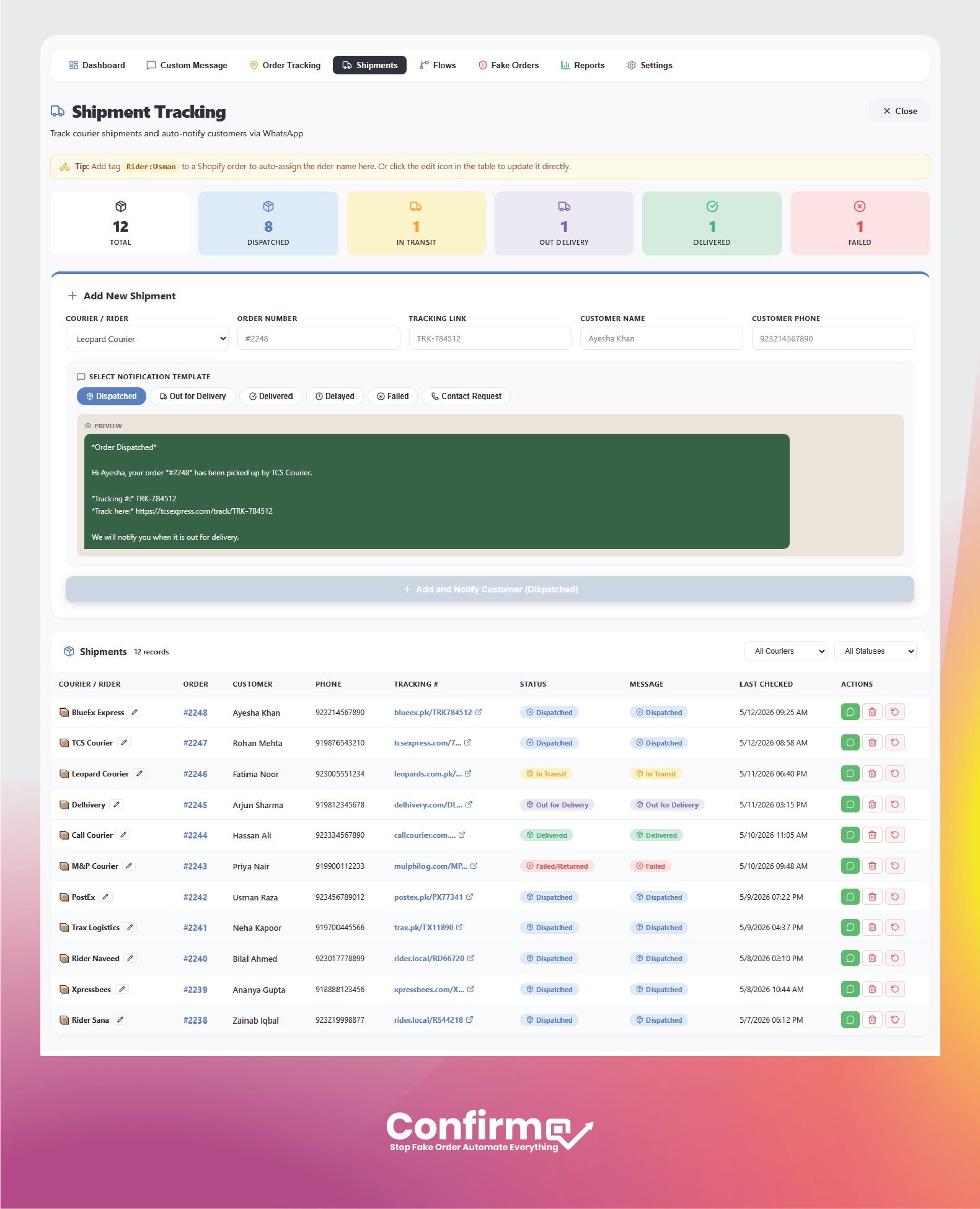
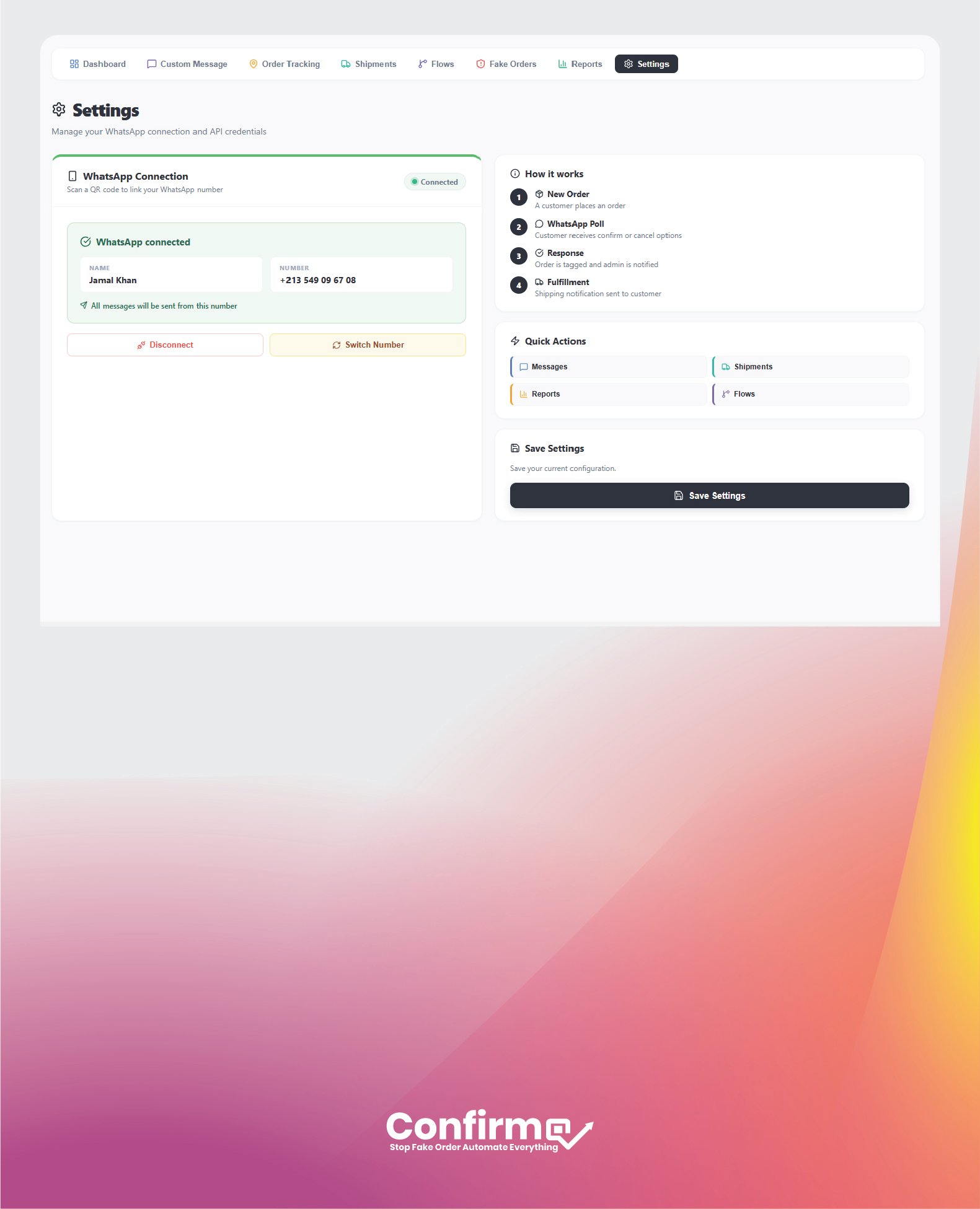
The main areas are Dashboard, Custom Messages, Order Tracking, Shipments, Automation Flows, Fake Order detection, Reports and Analytics, Abandoned Cart Recovery, and Settings.

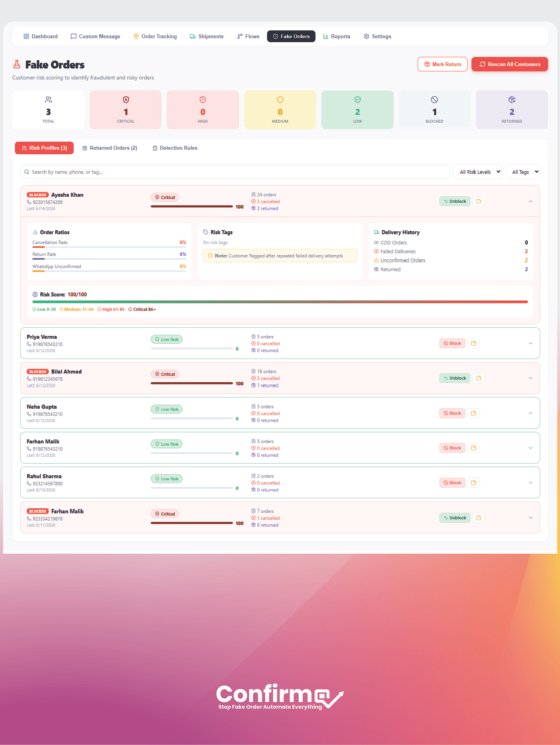
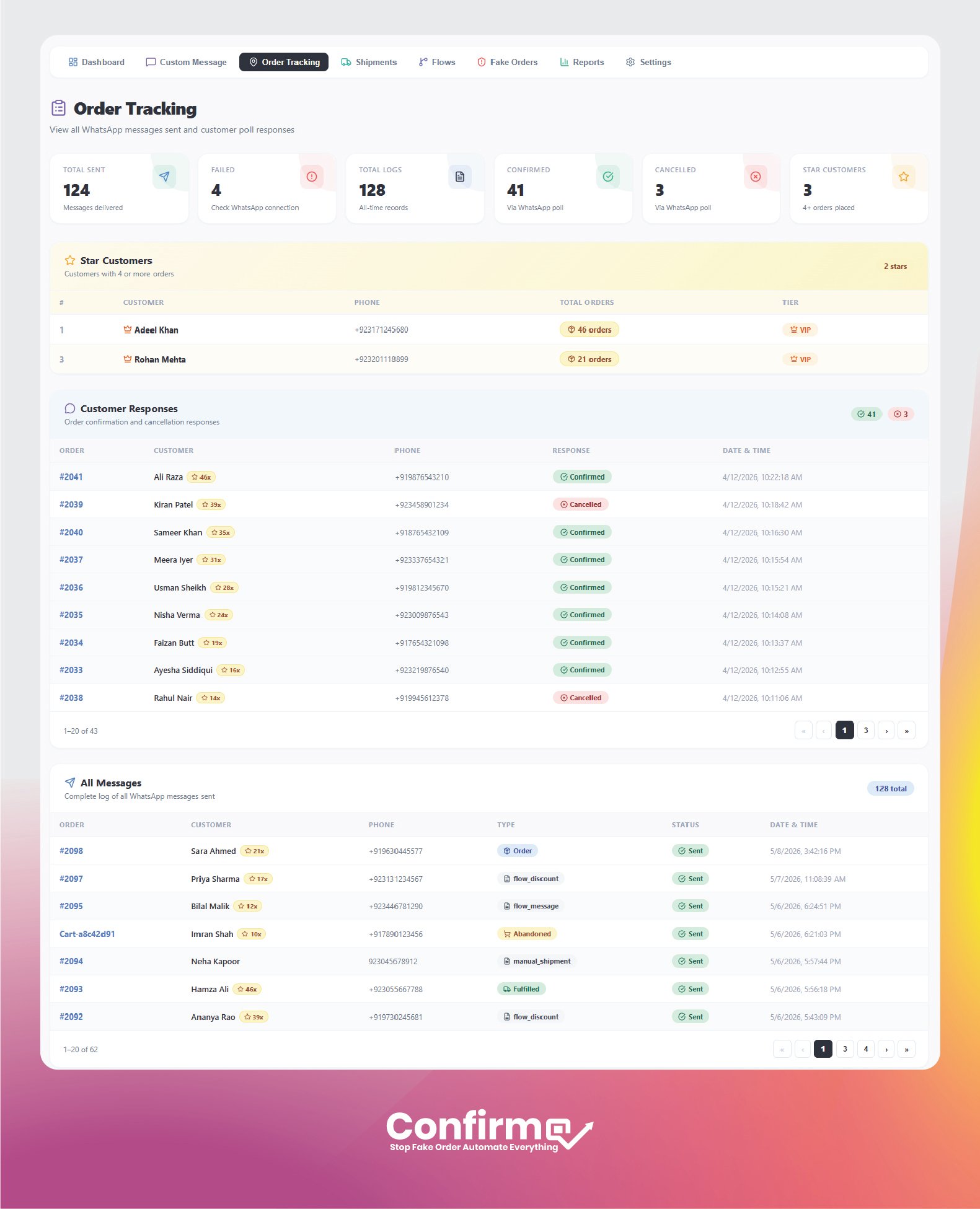
ConfirmQ asks the customer to confirm the order on WhatsApp before you ship. It also tracks each customer cancellation and return history, so repeat offenders can be flagged and blocked.

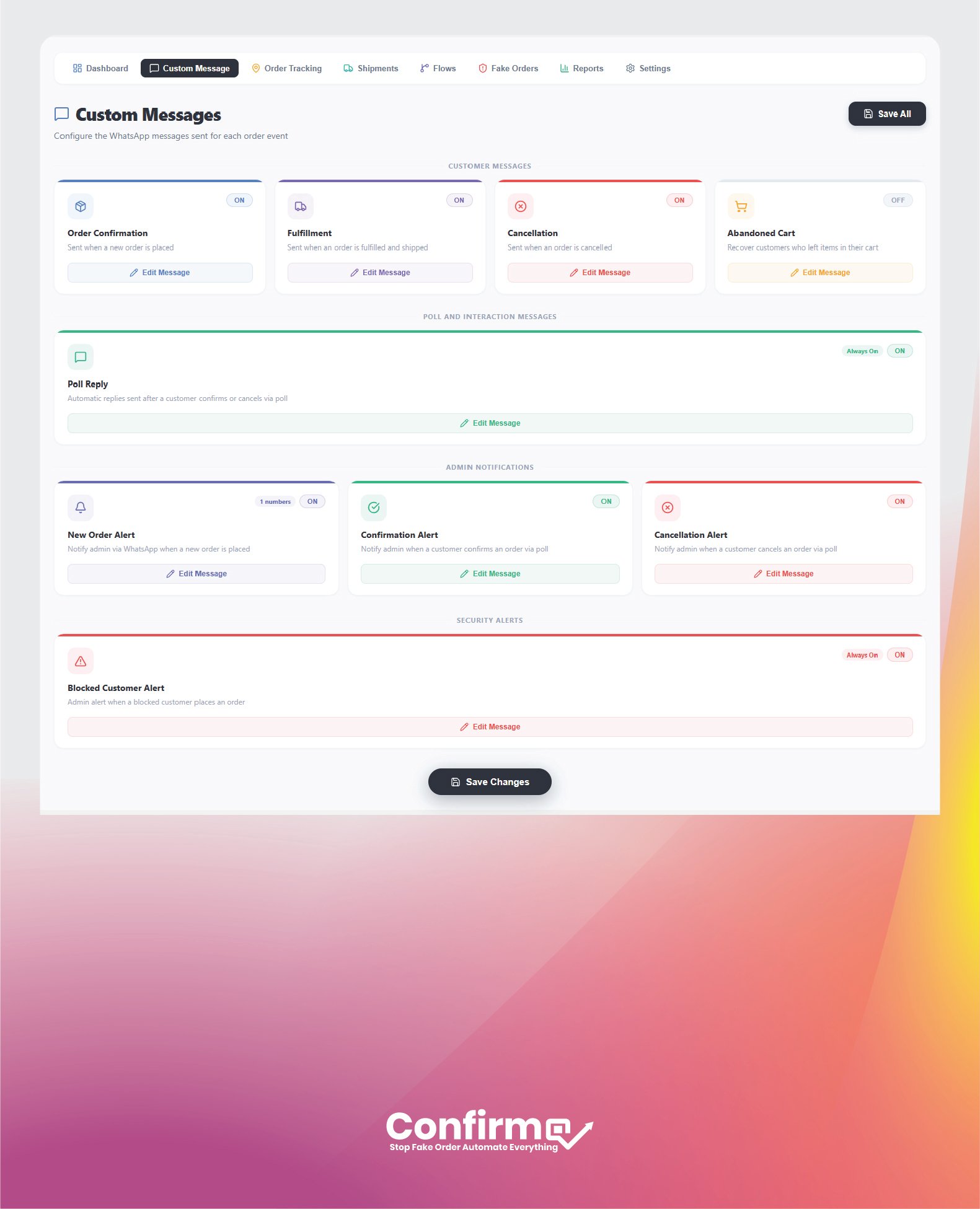
Yes. Each message type has its own editor with smart variables such as customer name, order number, items, total, address, tracking number, and courier name. A live preview shows the final message before you save.

Yes. ConfirmQ is designed to connect the WhatsApp number you already use, so you can start without a complex setup.

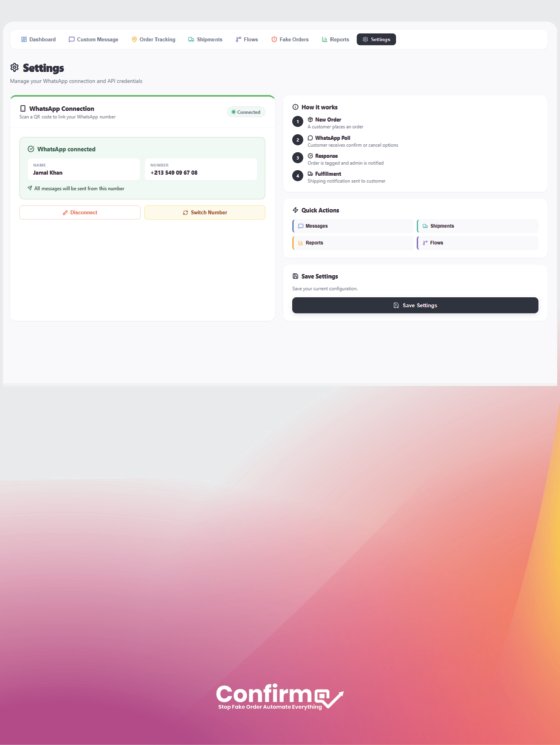
No. Install the app from the Shopify App Store, open Settings, scan the QR code with your phone, and confirm the connection.