
A COD confirmation message needs four things: the customer’s name, the exact cash amount due, the specific item ordered, and one clear action. Send it within minutes of the order, in the language your customers actually speak, and keep marketing out of it. Most COD stores lose confirmations not because customers refuse, but because the message was too long, too corporate, or arrived too late to matter.
You can automate every stage of the COD journey and still get poor results, because automation only decides when a message goes out. The wording decides whether anyone replies.
Most template guides available online are written for stores using the official WhatsApp Business API, where every message must be submitted to Meta and approved before it can be sent. That constraint shapes the advice: rigid structures, formal phrasing, and templates built to survive review rather than to get a reply.
If you send from your own WhatsApp number, none of that applies. You can write in Roman Urdu. You can use your customer’s actual name. You can change the wording this afternoon because yesterday’s version underperformed. That freedom is a genuine advantage, and almost nobody writes guidance for it.
This guide covers what to write at every stage of a COD order, what to leave out, and when to send it.
What Every COD Message Needs
A COD message is not an order receipt. It is a request for a decision, and it competes with every other notification on the customer’s phone.
- The first line must carry the point. WhatsApp shows roughly the first 50 characters in the notification preview. If your message opens with your store name and a greeting, the customer sees nothing useful and may never open it.
- The exact cash amount. This is the single most important element in a COD message and the most commonly omitted. The customer needs to know what to have ready at the door.
- The specific item. Not “your order” — the actual product. It jogs memory, and it catches wrong-item errors before dispatch.
- One action. Confirm or cancel. Not confirm, plus follow us, plus browse new arrivals.
Everything else is optional and most of it is noise.
Stage 1: The Confirmation Request
Send within minutes of the order. Intent decays fast. A confirmation request sent six hours later competes with a decision the customer has already cooled on.
Hi {customer_name}, your order {order_number} is confirmed at our end.
{items}
Cash on delivery: {total}
Delivery to: {address}
Reply YES to confirm, or NO to cancel. We will only dispatch once you confirm.
Why this works: the amount and the item appear before any request is made, so even a customer who never replies has seen what they owe and what is coming. The closing line is doing real work — it tells the customer their reply actually controls something, which is the difference between a notification and a decision.
A note on language
This matters more than any wording tweak, and it is almost never discussed.
If most of your customers are in Pakistan, India or Bangladesh, an English-only confirmation message will underperform against Roman Urdu, Hindi or Bengali — particularly outside major cities. A customer who half-understands your message will often ignore it rather than reply asking. Ignoring costs you a full delivery attempt.
Assalam o Alaikum {customer_name}, aap ka order {order_number} mil gaya hai.
{items}
Cash on delivery: {total}
YES likh kar confirm karein, ya NO likh kar cancel karein.
Keep the keywords themselves in English — YES and NO are universally understood and easier to process automatically than transliterated variants. Test one language against the other for two weeks and let your confirmation rate decide.
Stage 2: The Follow-Up
Send four to six hours after the first message. This is the highest-value message most stores never send.
The mistake is repeating the original request. If the first message did not work, saying it louder will not either.
{customer_name}, just checking on order {order_number} ({total} on delivery).
If anything is holding you back — delivery time, the address, or the amount — tell me and I will sort it. If you have changed your mind, reply NO and I will cancel it, no problem at all.
Two deliberate choices here. It invites a reason instead of demanding a decision, which converts silence into information. And it makes cancelling explicitly easy, which sounds like giving up revenue but is not — a cancellation costs you one message, while a doorstep refusal costs a round trip. You want the customer who was going to refuse to tell you now.
The replies you get are worth more than the orders they save. When several customers mention shipping cost or delivery time, you have found a checkout problem affecting everyone, not just non-responders.
Stage 3: Dispatched
Send when the parcel physically leaves. This message does the heaviest lifting in the whole sequence, because it converts an abstract order into a physical parcel with a courier and a date.
Good news {customer_name} — order {order_number} has been dispatched.
Courier: {courier}
Tracking: {tracking_number}
Expected: {delivery_window}
Please keep {total} ready in cash.
The rider will call before arriving.
Repeat the cash amount here even though you stated it at confirmation. Days have passed. The single most common cause of a doorstep dispute is a customer who did not expect the total, and one line prevents it.
Naming the courier matters too. A call from an unknown number carries suspicion; a call from a company the customer is expecting does not.
Stage 4: Out for Delivery
Send on the morning of the attempt. Short, practical, and the last chance to catch a problem before the rider is standing outside.
{customer_name}, your parcel is out for delivery today.
Cash to keep ready: {total}
Not available today? Reply and we will reschedule.
That last line is the entire point of the message. A customer who replies “I am not home today, can it come tomorrow” has just saved you a failed attempt, and failed attempts are where most RTO begins.
Stage 5: The Failed Attempt
Send the same day the attempt fails. Most couriers make two or three attempts before returning a parcel. That window is where orders are won or lost, and almost nobody messages into it.
{customer_name}, the rider could not deliver order {order_number} today.
Should we try again tomorrow? Reply YES and I will arrange it.
If the address needs correcting, send the updated one and I will pass it to the courier.
A first failed attempt is rarely a refusal. The usual causes are mundane — the customer was out, the rider called an unanswered number, the address was slightly wrong. All of those are fixable within a day. Left alone, the parcel quietly completes its remaining attempts and goes home as an RTO.
Stage 6: Delivered
Send within a day. The one message where a light ask is appropriate, because the transaction is complete and the customer is holding the product.
{customer_name}, your order was delivered today. Hope it is exactly what you wanted.
If anything is wrong, reply here and I will fix it.
This also surfaces problems privately, before they become public reviews. A customer who can complain to you directly usually does that instead.
What Not to Put in These Messages
| Avoid | Why |
|---|---|
| Promo codes and new arrivals | Turns a transactional message into marketing. Raises block and report rates on the number you also need for confirmations. |
| Full invoice breakdowns | Nobody reads a wall of line items on a phone. The total is what matters. |
| “Do not reply to this message” | Replies are the entire advantage of WhatsApp over email and SMS. |
| Formal corporate phrasing | WhatsApp is a personal channel. Messages that read like a bank notice get ignored. |
| More than three messages before dispatch | Response rates fall and blocks accumulate against your sending number. |
| Store name as the opening words | Wastes the notification preview, which is the only text many customers ever see. |
The first row deserves emphasis. Order messages are read because they are useful. The moment customers learn that opening your message means a sales pitch, your confirmation rate falls — and it falls across every future order, not just the one you promoted in.
How ConfirmQ Handles Message Templates
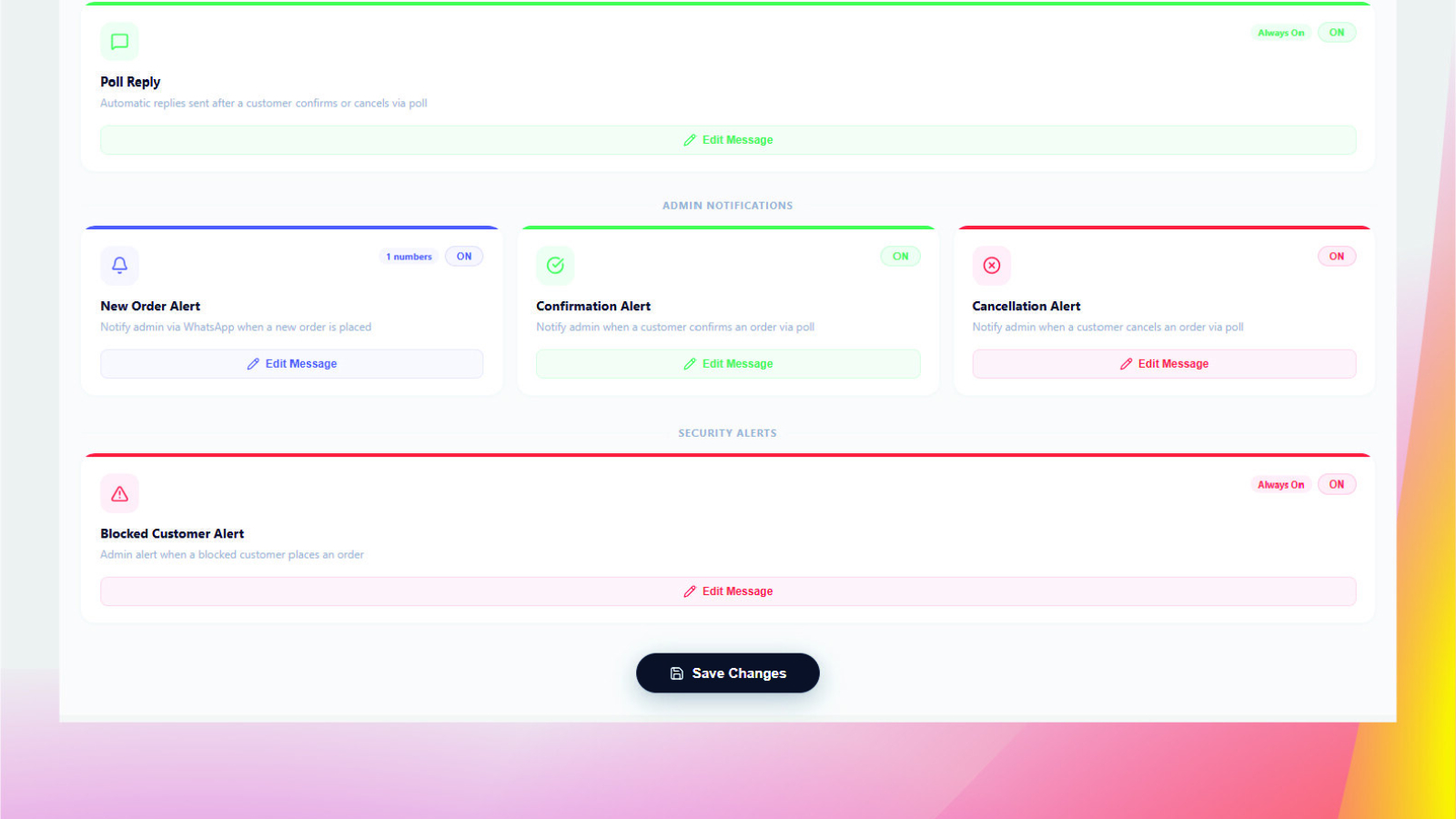
Custom message templates let you write your own wording for every order event — confirmations, fulfilment, cancellations and abandoned carts — rather than sending a generic default.
Variables fill in customer name, order number, items, total, address and tracking details automatically, so each customer gets a message about their specific order. A live WhatsApp-style preview shows exactly how it will look before you save, which matters more than it sounds — a template that reads fine in an editor can look cramped on a phone.
Because messages send from your own connected WhatsApp number, you write in whatever language and tone your customers respond to, and you can change wording whenever you like without waiting for approval.
Automation flows decide when each template fires — trigger, delay, condition — so the follow-up in Stage 2 sends itself to non-responders only. Order tracking then shows who confirmed, who cancelled and who never replied, which is how you tell whether a wording change actually worked.
How to Test Wording Properly
Change one thing at a time and give it two weeks. Testing three changes at once tells you nothing about which one mattered.
- Language first. This usually produces the largest single swing in COD markets.
- Then timing. Immediate versus a 30-minute delay.
- Then the follow-up. Measure confirmation rate before and after adding one.
- Then length. Try cutting your confirmation message by a third.
Judge every change on confirmation rate and, more importantly, on delivered orders. A message that lifts confirmations while delivery stays flat has taught customers to tap YES without meaning it — which is worse than no confirmation at all, because you now ship on false certainty. Our guide to measuring what COD failures actually cost covers how to track both.
Frequently Asked Questions
The customer’s name, the order number, the specific item ordered, the exact cash amount due on delivery, and one clear action such as replying YES or NO. Keep the cash amount high in the message, because it is the detail customers most need and the one most often left out.
Within minutes of the order being placed, while the purchase is still fresh. Response rates fall noticeably as the gap widens, because the customer’s intent decays and the message arrives after they have moved on.
Test both, but in Pakistan, India and Bangladesh a local language or Roman transliteration usually outperforms English, especially outside major cities. Keep action keywords like YES and NO in English so replies stay easy to process automatically.
Roughly four across the whole journey: confirmation, one follow-up if there is no reply, dispatch, and out for delivery, plus a failed-attempt message only when an attempt actually fails. Beyond that, response rates drop and the risk of being blocked rises on the number you also rely on for confirmations.
Template approval applies to the official WhatsApp Business API, where outbound templates are submitted to Meta for review. Stores sending from their own connected WhatsApp number write their own wording directly and can change it whenever they choose.
It is better not to. Order messages get read because they are useful, and mixing promotions into them trains customers to treat your messages as marketing. That raises block and report rates on the same number you need for confirmations, and the damage applies to every future order.
Want to write your own COD messages? ConfirmQ sends every order message from your own WhatsApp number, with your wording, your language, and a live preview before you save. Install ConfirmQ from the Shopify App Store or view pricing plans.
Related: Shopify Order Tracking on WhatsApp: How COD Stores Cut “Where Is My Order” Messages

